Eagler.Host vs Relays vs Self-Hosting
You want to play Eaglercraft with your friends. Cool. But how do you actually get a server running? There are three main options: relays, self-hosting on your own PC, or using Eagler.Host. We're going to break down all three so you can see what actually works and what's going to waste your time.
Option 1: Relay Servers
Relays are the first thing most people try. You open your singleplayer world, hit "Open to LAN," and share a relay link. Your friends connect through the relay and boom, you're playing together. Sounds great on paper.
The problem? It falls apart fast. The second you close your browser or your computer goes to sleep, the server is gone. Everyone gets kicked. Your world? Hopefully you saved it, because there's no guarantee it'll still be there next time. Relay servers don't store anything. Once the session ends, that's it.
And forget about plugins. No EssentialsX, no WorldEdit, no skins plugin, nothing. You get vanilla Eaglercraft and that's it. There's no console to run commands from, no file manager to tweak configs, and definitely no backups. If something goes wrong, you're starting over from scratch.
Relays are fine if you just want to mess around for 20 minutes. But if you're trying to build something real, like a survival world, a server with your friends, anything long-term, relays aren't it.
Option 2: Self-Hosting on Your PC
Okay so relays aren't great. What about running the server yourself? You download the Eaglercraft server files, install Java, figure out the config, and run it on your own computer. You've got full control now, right?
Sort of. First you need to deal with port forwarding, and if you've never done that before, get ready to spend an hour googling your router model trying to figure out which settings to change. Some school or apartment networks won't even let you do it. And even if you get it working, you just exposed your home IP address to everyone who joins your server.
Then there's the "always on" problem. You want a 24/7 server? That means your PC stays on 24/7. Your electricity bill goes up, your computer wears down faster, and if your power goes out or Windows decides to update at 3am, your server is offline and nobody can play.
There's zero DDoS protection. If someone decides to mess with your server, they're hitting your home network directly. And if your hard drive dies or you accidentally delete the wrong folder? All your world data is gone. No backups unless you set that up yourself too.
Self-hosting can work if you really know what you're doing and don't mind the effort. But for most people, it's a ton of work for a mediocre result.
A Note on GitHub and Similar Platforms
We see people trying to host Eaglercraft servers on platforms like GitHub, Render, Railway, and other free cloud services. We don't recommend any of these. Running a game server on these platforms violates their Terms of Service, and your server can be deleted at any time without warning.
People lose their entire world data this way all the time. You spend hours building something, and then one day it's just gone because the platform flagged your account. There's no appeal process, no backup, no way to get it back. These platforms were not built for game server hosting and they actively shut down servers that try to use them that way.
Save yourself the headache and use something that's actually designed for this.
Option 3: Eagler.Host
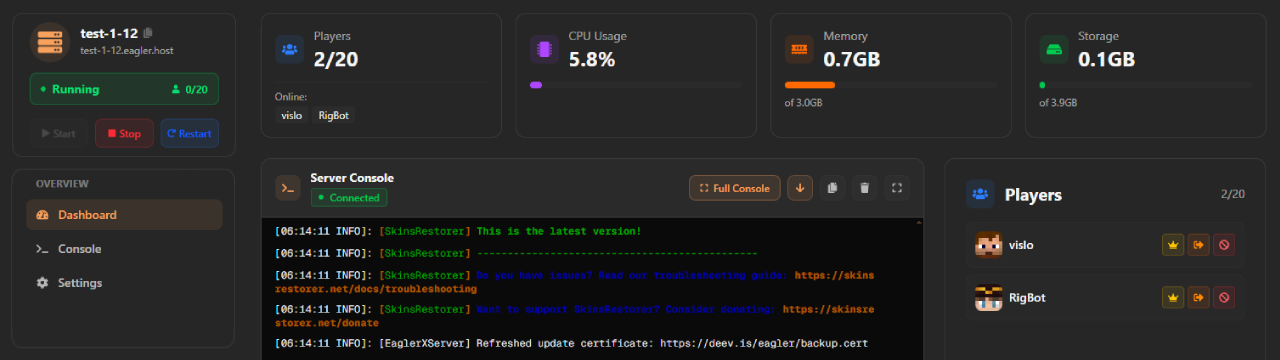
This is the one that actually works. Eagler.Host gives you a fully managed Eaglercraft server for free. Not a trial, not "free for 7 days," actually free, forever. You sign up, create a server, and it's online 24/7. Done.
The free tier gets you 2GB of storage, up to 10 players, and support for Eaglercraft 1.8 and 1.12. You can run up to 2 servers at the same time. That's more than enough to get started with your friend group.
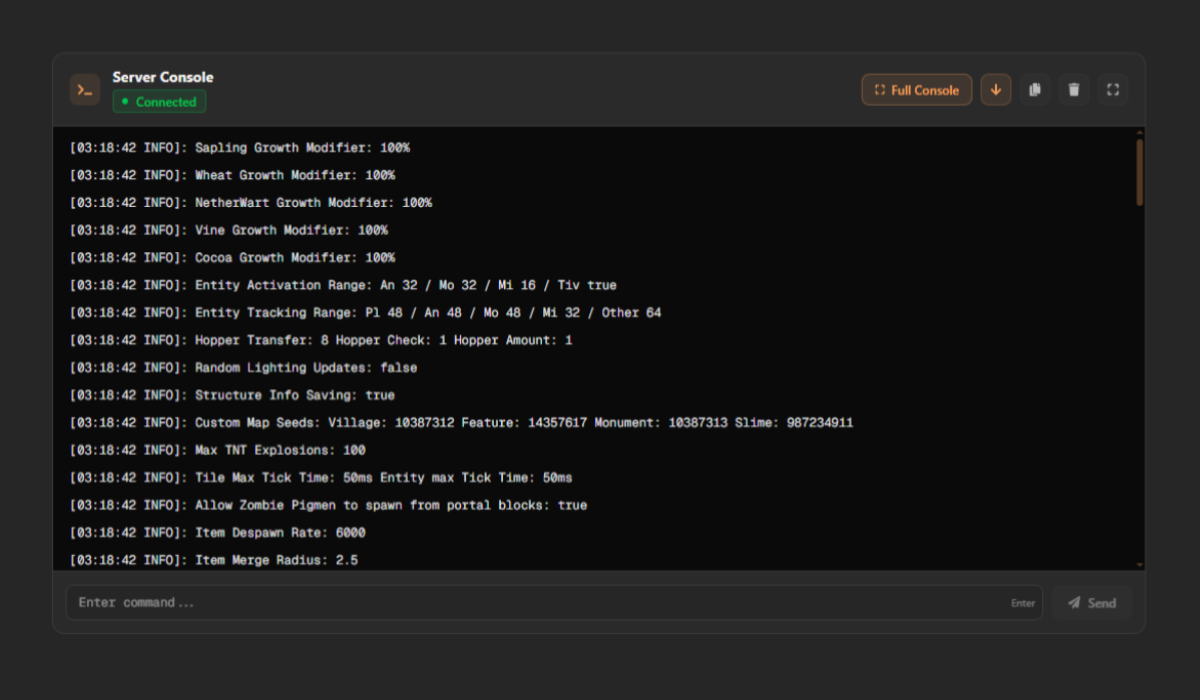
But here's where it gets good. You get actual plugin support with a one-click plugin manager. EssentialsX, WorldEdit, SkinsRestorer, ViaVersion, install them in seconds without touching a single file. Want to upload your own plugins? The file manager handles that too. You can drag and drop worlds, configs, whatever you need, right in your browser.
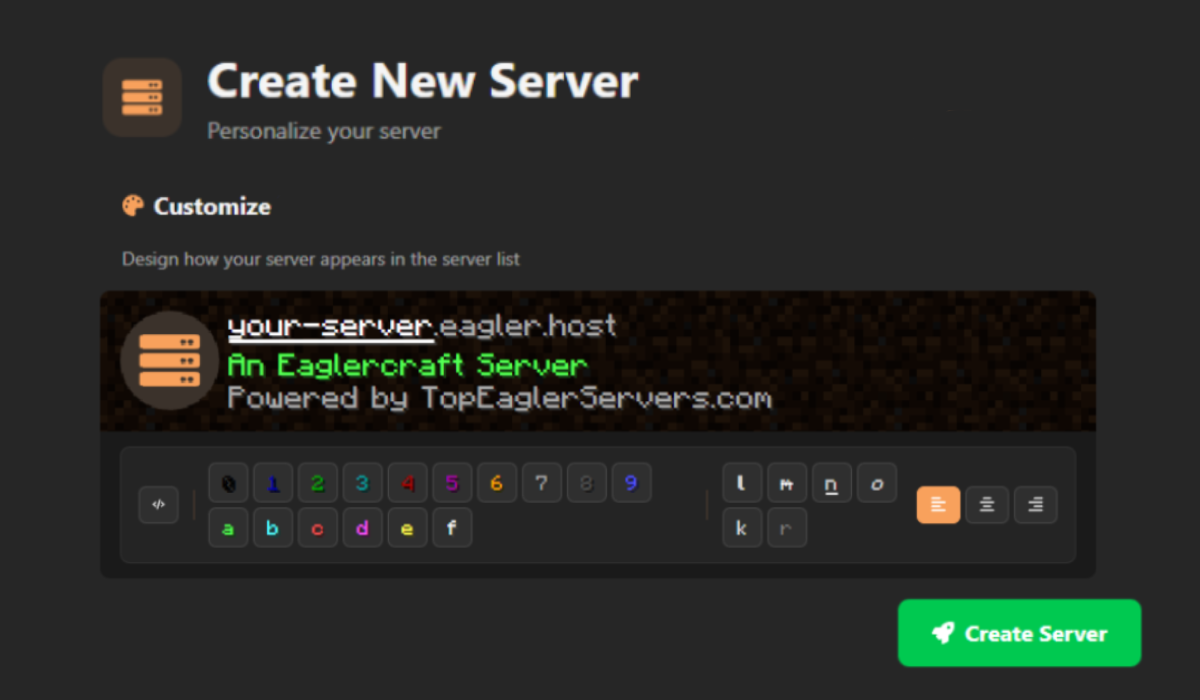
Your server data lives on dedicated machines with DDoS protection built in. No one's hitting your home IP because your home IP isn't involved. You get a custom join URL, FTP access if you want it, and your worlds and configs are safe even if your own computer catches fire.
If you outgrow the free tier, you can upgrade with credits, and upgrades are permanent. They don't expire. You unlock more RAM, storage, player slots, and CPU power, and it stays on your server forever. You can earn credits for free on the platform or buy them if you want to skip ahead.
No port forwarding, no Java setup, no leaving your PC on overnight, no praying your hard drive doesn't die. Just a server that works.
Side-by-Side Comparison
| Feature | Relays | Self-Host |  Eagler.Host Eagler.Host |
|---|---|---|---|
| 24/7 Uptime | Maybe | ||
| Plugin Support | |||
| DDoS Protection | |||
| File Manager | |||
| Backups | Manual | ||
| Custom URL | DIY | ||
| Free | Electricity | ||
| No Setup Required | |||
| Data Safety | At Risk | ||
| Web Dashboard | |||
| FTP/SFTP Access |
Frequently Asked
Do I need to pay anything?
Can I use plugins?
Is my data safe?
Can my friends join from school?
Start Your Free Server Now
Eagler.Host does everything for you, and it's free.