How To Create a Free Eaglercraft Server
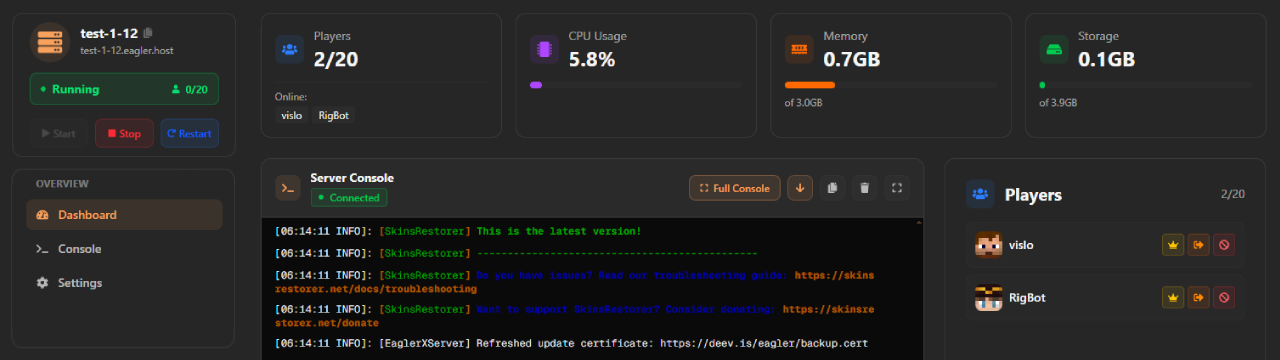
Launch a free, always-on Eaglercraft server in your browser using eagler.host by TopEaglerServers. Supports Minecraft 1.8, 1.12, and 1.21. This step-by-step guide covers account creation, instant server setup, plugin management, file uploads, automated backups, and how to unlock permanent performance upgrades using credits. No credit card required.
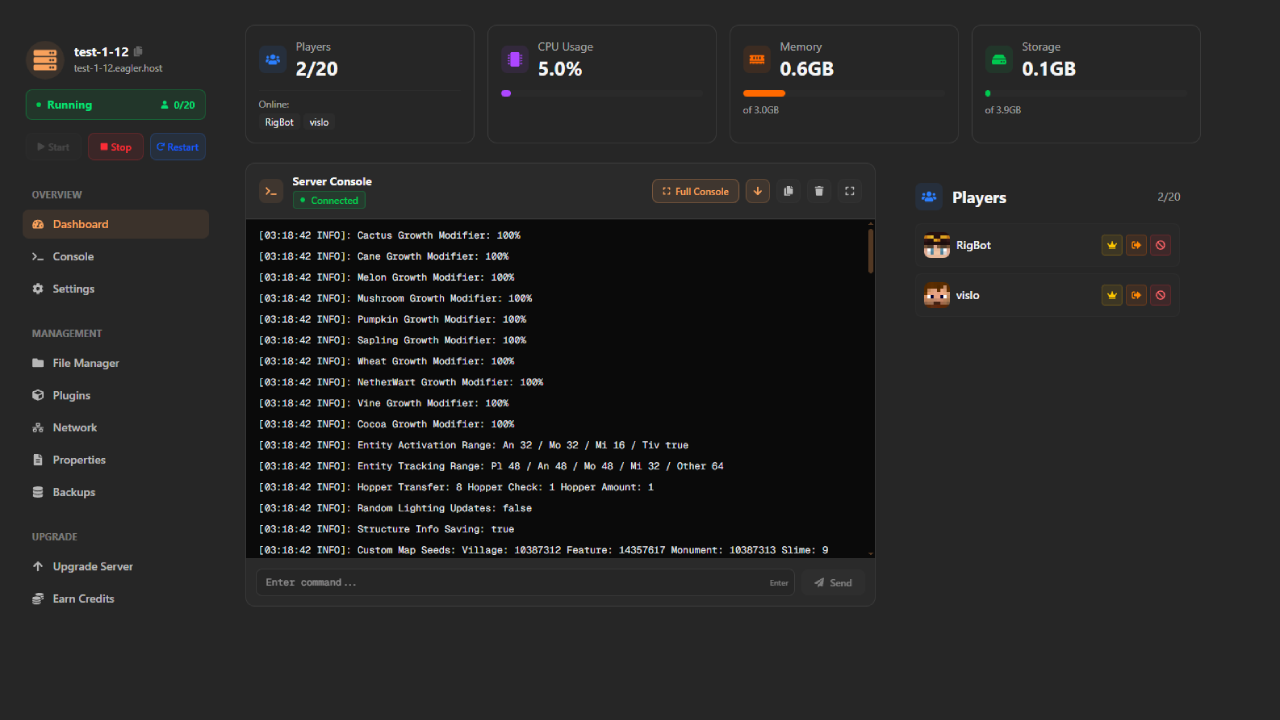
Create your server in seconds with sensible defaults.
Always-online hosting with status checks and logs.
Credits unlock CPU, RAM, storage, and slots forever.
Plugin Support
Add features with a curated plugin manager or upload your own JARs. Adjust configs in the built-in file editor and restart with a single click. Keep your stack lean for low latency and better stability.
- Browse, one-click install, and version notes
- Inline config editing with syntax highlighting
- Safe restarts with live log streaming
File Manager & Backups
Drag-and-drop worlds, resource packs, and server configs directly in the browser. Schedule backups, download snapshots for safekeeping, and restore in seconds. SFTP is available for power users.
- Instant uploads with progress status
- Automatic and manual backups
- SFTP/FTP access for advanced workflows
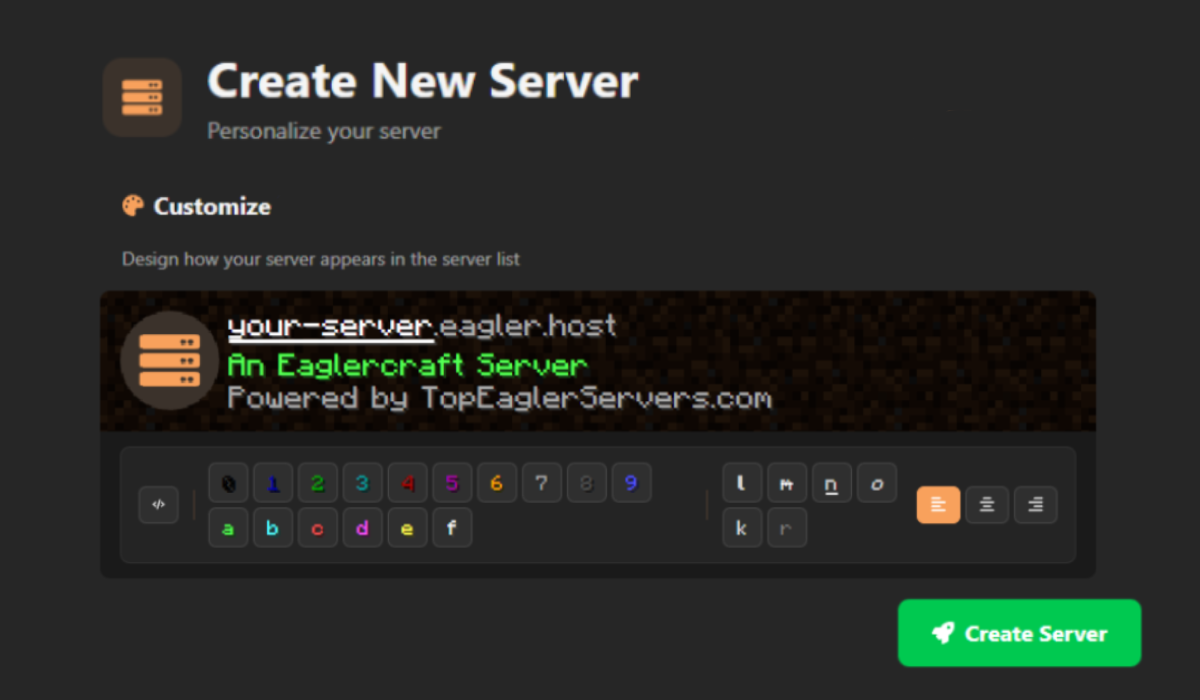
Step 1 — Create Your Free Account
Visit eagler.host and sign up with your email. Open Servers → Create Server.
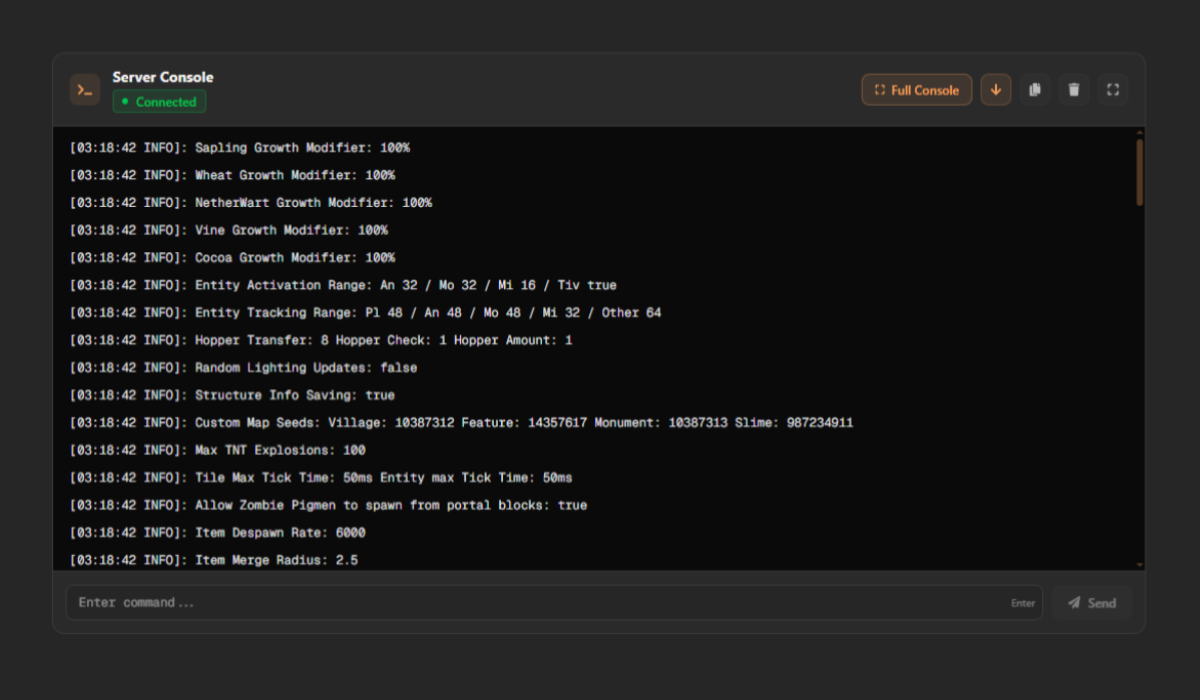
Step 2 — Start & Share
Start the server, watch logs in real-time, then copy your public Join URL to invite friends. Restart or stop from the same panel anytime.
Ready to create your server?
It only takes 30 seconds. No credit card required.
Recommended Settings for Smooth Gameplay
Frequently Asked
Is the free tier really 24/7?▼
Do upgrades expire?▼
Can I upload my own world?▼
What versions are supported?▼
Is there DDoS protection?▼
Start Your Free Server Now
Join thousands of players hosting on eagler.host